A little more fun on your phone: six apps and sites to try
Start a conversation with a fictional character, untangle a board of arrows, or turn mahjong tiles into piano notes. Six different places to go when you want a break from the usual scroll.
Waiting for a coffee doesn't have to mean another trip through the same video feed. You could untangle an arrow puzzle, turn a mahjong tile into a piano note, or give a fictional character the opening line of a new story.
These six apps and websites offer different kinds of downtime. Pick the one that fits your mood; there's no need to install the whole list.

Luvia AI: give a conversation somewhere to go
If you enjoy fictional characters, romantic storylines and interactive dialogue, Luvia is worth a look. Its store listing centers on AI character conversations, with options to shape a character's personality, style and backstory.
Try approaching it as a story rather than a question-and-answer tool. Are you meeting for the first time, or reuniting after an adventure? The listing also introduces ScenePlay, a mode built around interactive storytelling. That's the part to explore if you'd rather help steer a plot than simply read one.
A good pick for readers who enjoy character chat and role-playing.

Lunar: a small ritual for a curious mind
Lunar brings together AI tarot conversations, astrology, birth charts and relationship compatibility. Its assistant, Thalia, can recommend a tarot spread around your question and keep the conversation going.
The appeal is having a prompt to pause with. Bring a question you've been turning over, enjoy the ritual of a reading, and see whether it helps you put your thoughts into words. Treat the interpretation as entertainment and reflection, not a prediction you have to follow.
For anyone who likes tarot and astrology, it's an inviting idea. It isn't therapy or a substitute for professional advice on health, money or major decisions.
Store names include Lunar: AI Tarot & Astrology and Lunar: Astrology & Healing; the links below lead to the products recommended here.
Android: Google Play · iPhone: App Store
Arrowvale: work out which arrow goes first
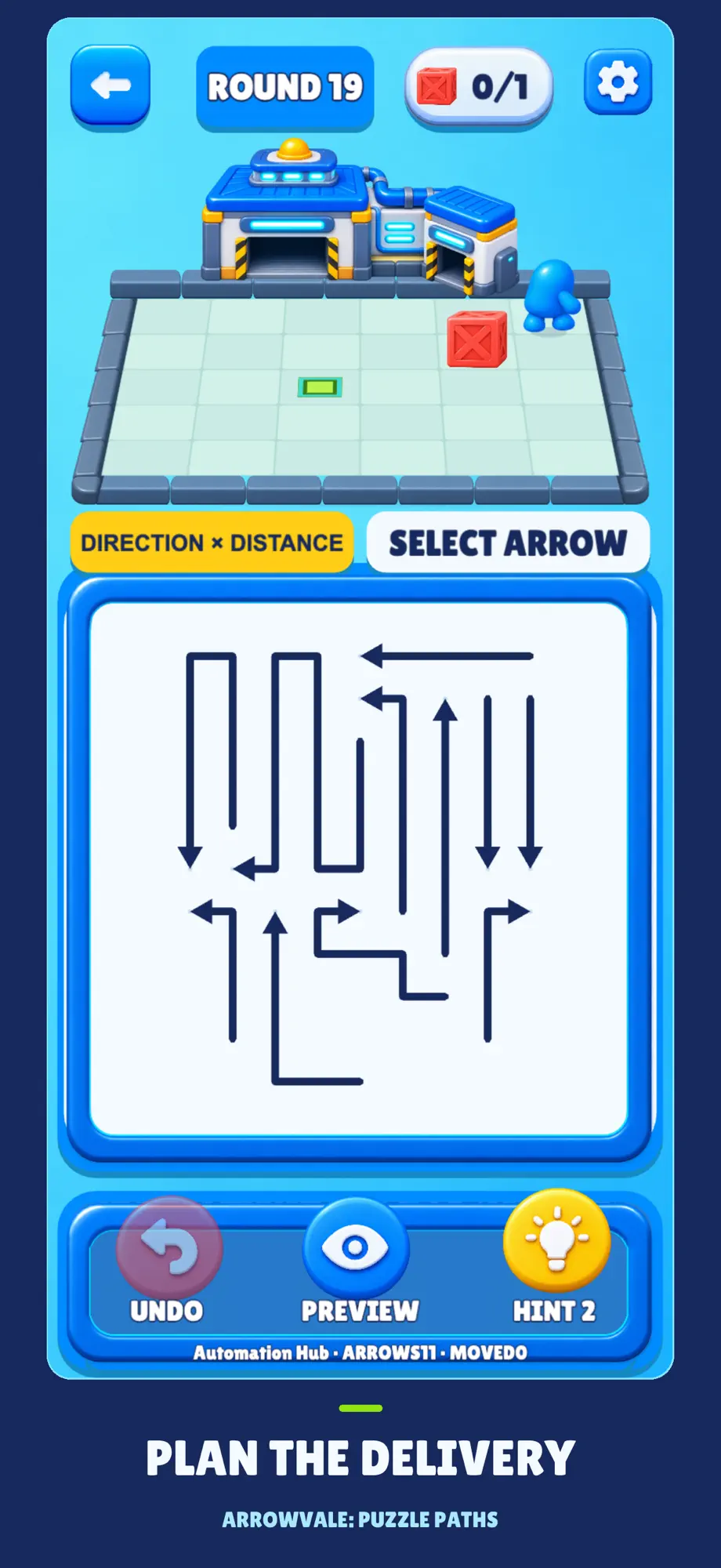
The Arrows Puzzle recommendation is listed on the App Store as Arrowvale: Puzzle Paths. Arrows tell you where to move and how far; the satisfying part is figuring out the order.
In Delivery, you guide a little worker and push crates onto their targets. Classic is about clearing arrows from the board by opening their exits. Preview, undo and hints give you ways to rethink a move.
This is the one to try when you want a compact puzzle to concentrate on. The listing says it works offline without an account. Start with Delivery, then try Classic to see which kind of problem keeps you interested.
Find Arrowvale on the App Store
Mahjong Piano: clear a tile, play a note
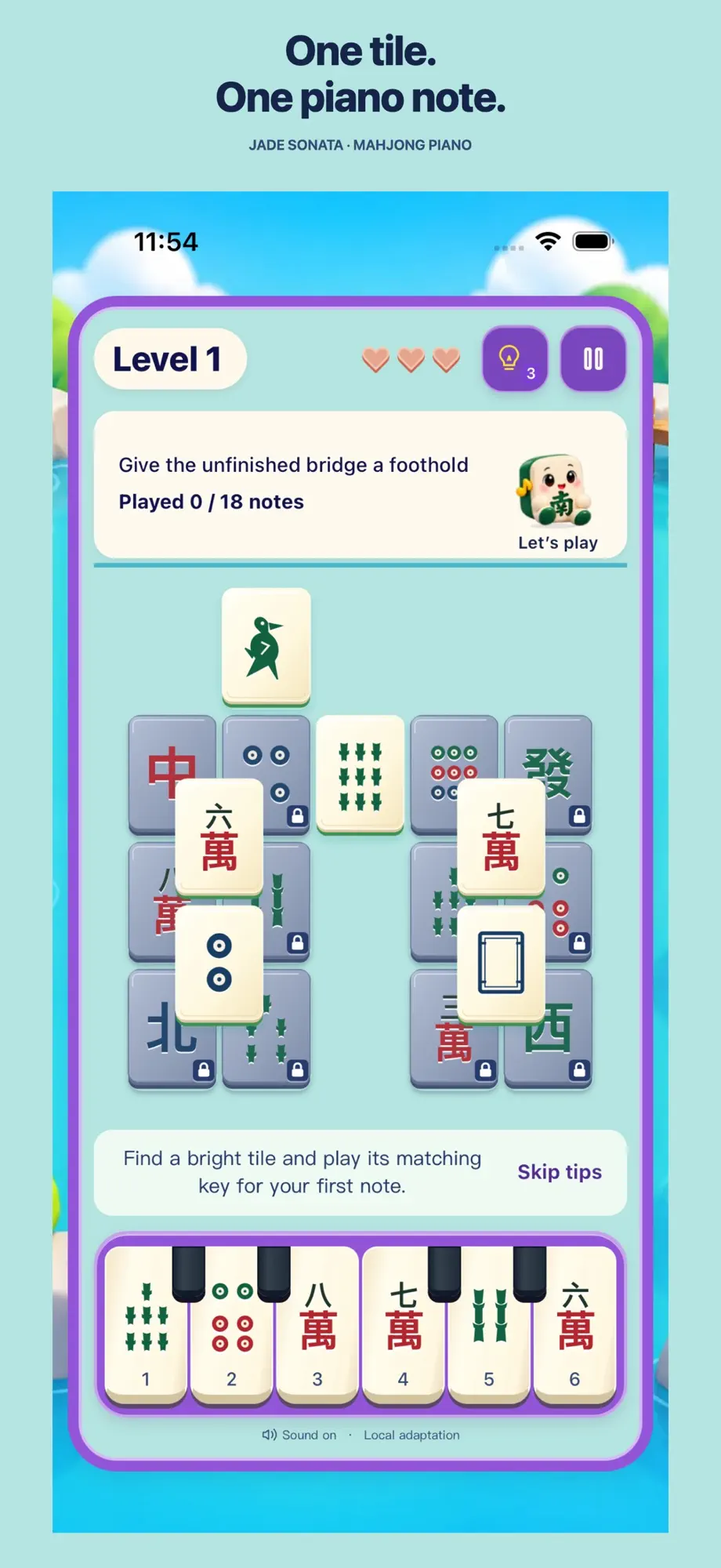
Mahjong tiles and piano keys make an unusual pairing, which is exactly why this one deserves a look. On iOS, it's called Jade Sonata: Mahjong Piano. This isn't four-player mahjong: you find an uncovered tile, press the key with the matching symbol, and play the next note as the tile clears.
There's no timer or beat deadline. Relaxed practice allows unlimited mistakes, so you can work through a melody at your own pace. Nan Nan, a little companion, also grows through play and care.
A lovely concept for people who enjoy tile puzzles, piano sounds and gentle progression. The listings describe offline play with optional online companionship; remember to back up local saves you want to keep.
Android: Google Play · iPhone / iPad: App Store
Hoshi AI Friends: find a character with an interesting opening
Prefer to browse a website first? Hoshi AI Friends offers another route into AI character chat. Its homepage presents characters with different story setups, letting you look for a premise that makes you want to reply.
It's a recommendation for people who enjoy role-play and improvised fiction. Look beyond the character artwork: does the setup give you an idea for your next line? Some material has mature themes, so check content notices and age requirements. Keep real-world identity details and other sensitive information out of fictional conversations.
Grus Video: browse when you haven't picked something to watch
For a change from chatting and puzzles, Grus Video offers a site organized around movies, TV shows and anime, with trending sections to browse when you haven't settled on a title.
The website also provides an Android APK link. Browse first, then decide whether you want to install anything. If you do, use the official-site entry you've checked and review the requested permissions. Playback availability and local content licensing need separate confirmation; a poster on a page isn't a guarantee that a title will play.
Visit Grus Video and its Android app entry
One is enough to start
For a puzzle, open Arrowvale. For something musical, try completing a passage in Mahjong Piano. Luvia and Hoshi are for the mood to talk and invent; Lunar is for a tarot-shaped pause; Grus is for browsing what to watch.
Before downloading, check device compatibility, age ratings, subscription prices and renewal terms. The links are beside each recommendation. Try the one that catches your attention, then decide whether it earns a place on your phone.
More from WayDigital
Continue through other published articles from the same publisher.
Comments
0 public responses
All visitors can read comments. Sign in to join the discussion.
Log in to comment