From Delegation to Presence: Manus, Claude Code, and HeyClicky Are Competing to Become the AI Work Interface
Cloud delegation, local collaboration, and screen-level presence solve different human costs. The future of agents is not a single interface, but adjustable control.
From Delegation to Presence: Manus, Claude Code, and HeyClicky Are Competing to Become the AI Work Interface
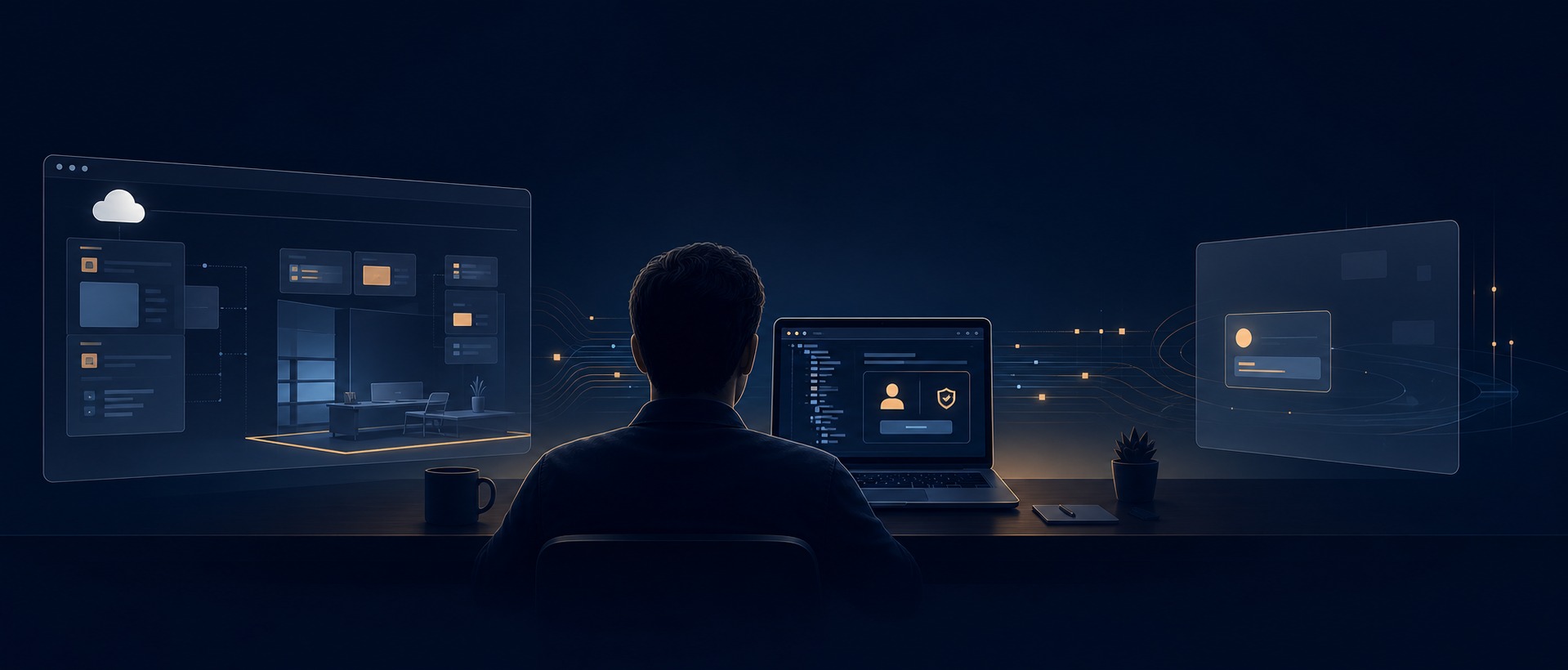
A person with a browser, a terminal, and a design tool open at once is rarely short of raw model capability. What disappears first is attention: explaining the background, moving material between tools, approving access, then reconstructing the thread of work when the result arrives. That connective labor is the territory agents are trying to take over.
Manus, Claude Code, and HeyClicky are often framed as first-, second-, and third-generation agent interaction: cloud delegation, local execution, and an assistant that sits beside the screen. The shorthand catches a real shift in interface design, but it is not a clean historical sequence. Manus now has a desktop product with local capabilities. Claude Code has cloud sessions and remote control. HeyClicky can launch background agents. These are not versions replacing one another. They are competing contracts for how work should be shared between a person and a machine.
The useful question is not which one is “more human.” It is where a task begins, how much context the system may see, and when the person must return to make a judgment.
Manus: hand a defined outcome to a cloud-based project room
Manus is easy to understand because it adopts the familiar logic of delegation. Give it an outcome: research a market, collect leads, assemble a brief, complete a multi-page web workflow. The task leaves the current window and unfolds in a cloud workspace, where browser activity, files, intermediate steps, and deliverables can be managed together.
That removes a particular kind of burden. A user does not need to watch every search, page transition, or spreadsheet cleanup. Manus’s Cloud Browser can visit sites, click, fill forms, and extract information in the cloud. The user can observe the work and take control when a CAPTCHA, SMS challenge, or multi-factor check appears. For research, information gathering, and operations that can be reviewed after the fact, the interaction turns “I do not have time for this now” into “I can inspect the result later.”
The trade-off is equally concrete. The farther an agent is from the real workplace, the more context must be translated into a task brief. A person knows why a document matters, what a client’s shorthand implies, and which small change violates an internal convention. A remote workspace does not automatically know any of that. Login state, data-center IPs, verification steps, and sensitive accounts can also pull the human back into the loop. Manus itself distinguishes its cloud browser from local browser operation: the former is useful for long-running work on public sites, while the latter can be a better fit for existing local sessions or sites sensitive to IP reputation.
Manus is strongest not because it presses buttons for people, but because it compresses a bounded and reviewable job into one act of delegation. It behaves most like a remote project team: define the boundary well, then wait for the outcome.
Claude Code: bring the agent into the project rather than moving the project somewhere else
Claude Code begins from almost the opposite direction. Its natural habitat is an existing repository, terminal, and development environment. It reads files, runs commands, edits code, and executes tests in the same place where the work is already changing.
That changes the felt experience of using an agent. Instead of packaging a whole project into a request, a developer brings the agent to the scene of the problem: the failure is in the terminal, the conventions are in the repository, and the validation command is close at hand. A conversation can begin with “look at this error” and end with a change that has actually been exercised. Local access matters, but the bigger advantage is that the context barely has to move.
Its permission model makes the intended relationship clear: this is collaboration, not unconditional handoff. Users can choose manual approval, automatic edit acceptance, plan mode, and other levels of autonomy. In plan mode, Claude can inspect files and run read-only exploration, but it cannot alter the source until the plan is approved. The pause is not glamorous. It is exactly what a high-consequence local environment needs when a request might delete, migrate, publish, or overwrite configuration.
Local work has its own friction. Environments differ, dependencies break, and permissions proliferate. Good use still requires judgment: when to grant access, when to ask for a plan first, and when to inspect the result personally. It is less relaxing than throwing a task over a wall. It is closer to having a capable colleague at the same desk: speed comes from a shared scene, and reliability comes from continuous review.
HeyClicky: do not move the task away—move the help entry point beside the cursor
HeyClicky is interesting not simply because it can also run agents. Its more distinctive bet is to move the entry point away from a chat box, terminal, or task board and toward the screen the person is already looking at.
The company describes a Mac-based AI buddy that sees what a user sees when a hotkey is pressed. A person can ask out loud, receive spoken guidance, and be pointed to a location on screen; saying “Heyclicky agent” can send work to a background agent. The public Clicky codebase shows one implementation path for that experience: a menu-bar app, a transparent cursor overlay, push-to-talk transcription, a screenshot-plus-model-response loop, and coordinate tags that let the system point at interface elements.
The interaction loop is shorter. Conventional assistants require someone to stop, translate their on-screen confusion into text, and hope the response maps back to the right control. HeyClicky treats the shared screen as context, so the question can be “why is this button disabled?”, “where do I go next?”, or “finish this sequence.” For people who do not write prompts and do not know complex software well, that is not a cosmetic change. Help arrives at the moment and location of failure instead of in a tutorial watched somewhere else.
But “it can see what I see” is also where this category needs the most discipline. Screens contain personal messages, financial details, customer records, and incidental information that should not become durable context. Products in this space need unusually legible answers about capture timing, visible scope, cloud transmission, screenshot retention, execution approval, and a fast way to stop. HeyClicky’s public messaging emphasizes screen understanding triggered by a hotkey, but trust in a screen-level agent cannot rest on a promise that it understands the user. The person needs to know when it is looking, what it saw, what it intends to do, and how to interrupt it immediately.
That makes HeyClicky less a proven “third generation” than an important interface bet. The agent is no longer waiting to be opened. It can be present without demanding a context switch; the user does not always have to leave an application to seek help or retell the situation from scratch.
Three experiences, three different human costs
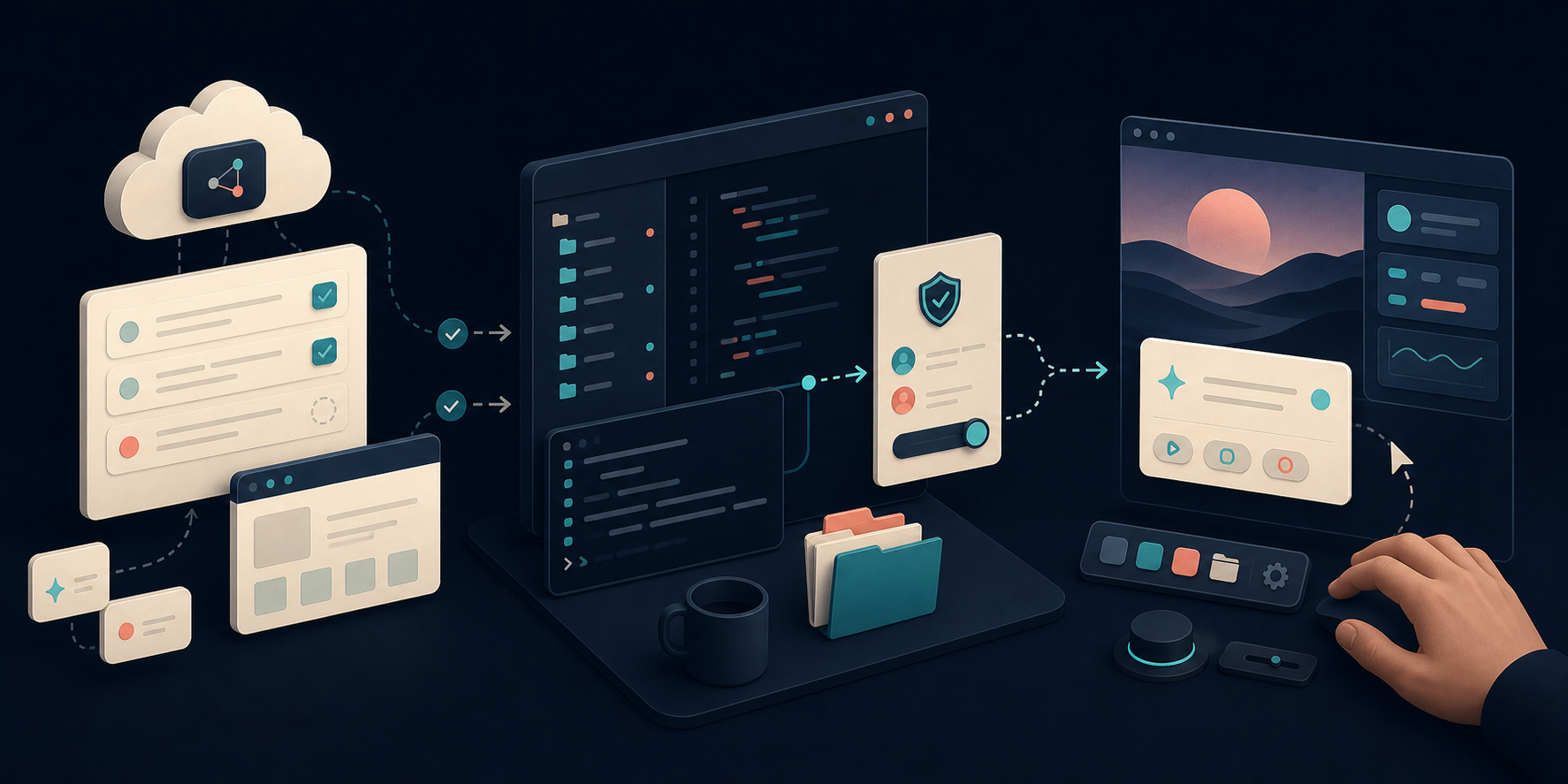
Placed side by side, the distinction becomes practical.
Manus reduces waiting cost. A job can leave the user only when it is independent enough, bounded clearly enough, and reviewable at the end. Research, information synthesis, and repetitive work across websites often fit that model.
Claude Code reduces context-switching cost. When value is embedded in local files, version history, command output, and team conventions, the best agent does not move the materials elsewhere. It joins the existing workbench. Software is the clearest example, but financial models, design assets, and data analysis increasingly work this way too.
HeyClicky reduces help-seeking cost. People often do not lack a model that could perform a task. They lack a low-interruption way to get assistance at the critical moment. By putting voice, visual guidance, and background delegation into a light interface, it targets software learning, personal workflows, and small cross-application tasks.
No single interface removes all three costs. More asynchronous work requires better task definition. Closer local access requires stronger permissions and auditability. Closer screen access requires much tighter privacy and interruption control. Calling all of them “more automated” hides the real trade-offs.
The future is adjustable control, not one universal entry point
The most promising interaction will not ask an agent to do everything forever, nor will it force a person to watch every move. It will expand and contract with risk and context density.
Low-risk, well-defined work should be easy to delegate to a cloud environment and pick up later. High-context professional work should stay close to the local workbench, where planning, execution, testing, and rollback remain connected. When someone is stuck in an unfamiliar interface, a brief obstacle, or a cross-application sequence, a screen-side entry point can be more natural because it does not pull them out of the moment.
The real next generation is not screen vision by itself. It is an interface that knows when to stay quiet, gains only the context it needs, and gives control back before every consequential action.
The product that can make those three behaviors feel like one coherent experience has a chance to become more than an agent that gets things done. It can become a work interface people are willing to live with.
Product and reference material
- Manus Cloud Browser and My Computer: https://manus.im/docs/features/cloud-browser; https://manus.im/docs/features/desktop
- Anthropic Claude Code permission modes: https://code.claude.com/docs/en/permission-modes
- HeyClicky product page: https://www.heyclicky.com/
- HeyClicky / Clicky public code and architecture notes: https://github.com/farzaa/clicky
- Y Combinator’s HeyClicky company profile: https://www.ycombinator.com/companies/heyclicky
Comments
0 public responses
All visitors can read comments. Sign in to join the discussion.
Log in to comment