Lost Beacon now lists 51 language options—but the menu is the real check
51 language options are the headline in Lost Beacon’s November 29 Google Play update note . The developer says these include US, UK and Indian English, that players can switch on the sign-in screen or in Settings , and that the game
|

Choose the interface language, then verify buy, refresh and freeze before the next round.
Lost Beacon now lists 51 language options—but the menu is the real check
51 language options are the headline in Lost Beacon’s November 29 Google Play update note. The developer says these include US, UK and Indian English, that players can switch on the sign-in screen or in Settings, and that the game remembers the choice. The update also adds crash diagnostics.
The number still needs an in-menu check. At our review, the longer store description ended by naming only English and Simplified Chinese. The newer note and older description therefore do not present one consistent language list. We did not install the update or count all 51 options, so this remains a developer claim rather than a translation audit.
Start with vocabulary, not a ranked match. Select the intended language, reopen Settings to confirm it persisted, then locate the listing’s three shop actions: buy, refresh and freeze. Find deploy, merge and ready-up as well. The public rules say combat starts automatically after ready-up, leaving little room to repair a misunderstood command during that round. Use training first if a label is unclear.
Lost Beacon: Tower Defense is part of our product portfolio. This affiliated note uses the public listing, not an in-app language or stability test.
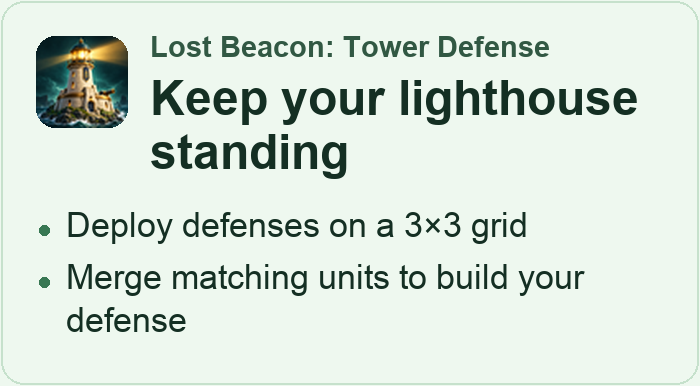
To run the check, open Lost Beacon: Tower Defense on Google Play, choose a language and identify the six actions before the first battle.
More from WayDigital
Continue through other published articles from the same publisher.
Comments
0 public responses
All visitors can read comments. Sign in to join the discussion.
Log in to comment