Using Codex for commits, review tasks, and Figma checks
The practical value is in small engineering habits: structured commits, visible version boundaries, generated review tasks, and better constraints for long Figma MCP runs.
Using Codex for commits, review tasks, and Figma checks
The second part of the presentation was useful because it stayed small. It did not try to sell an AI transformation story. It focused on chores developers hit every day: vague commit messages, unclear version boundaries, copied review tasks, and long Figma MCP runs that get confused by messy design files.
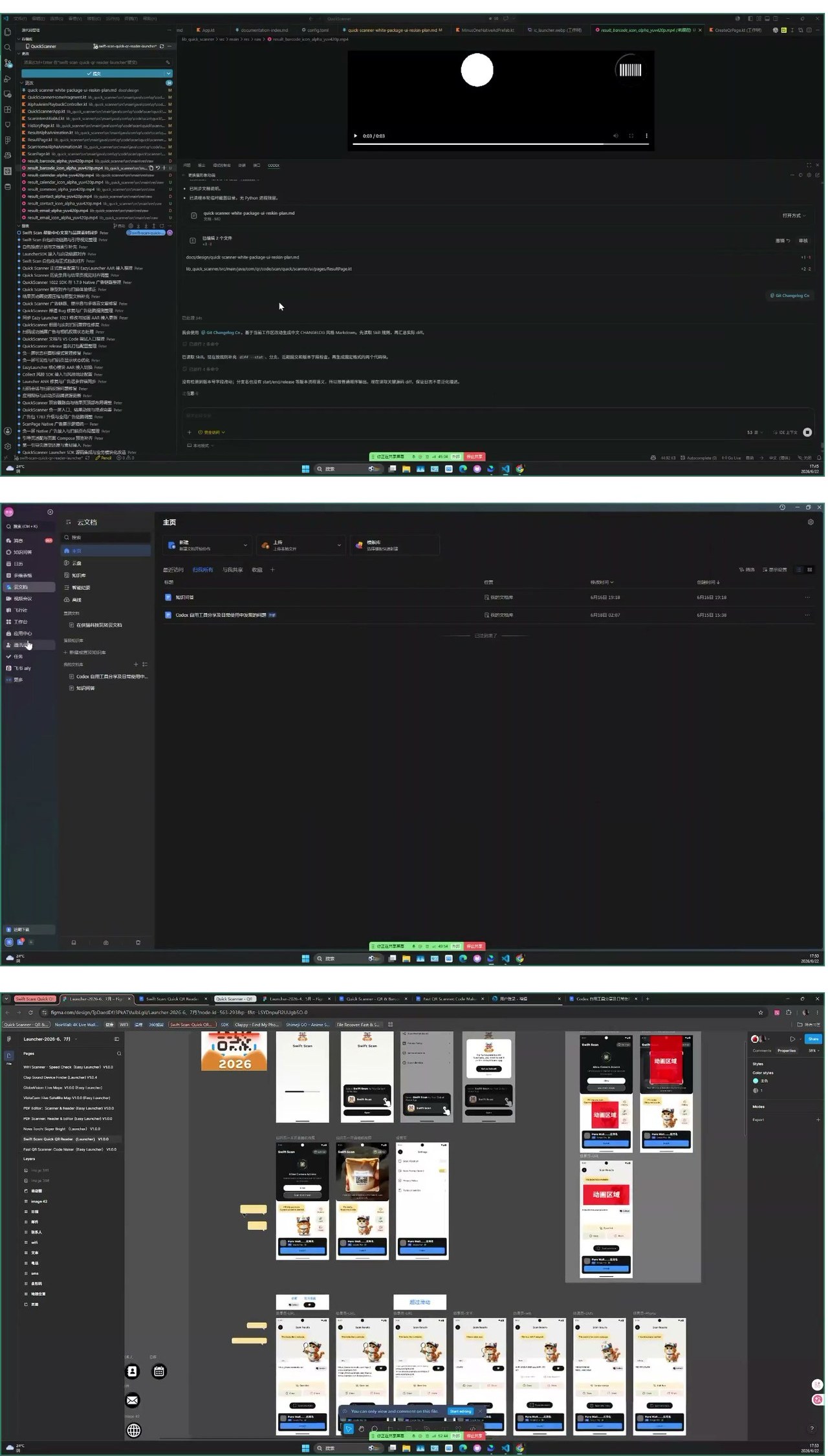
Commit generation should follow project rules
The first tool is a commit-message Skill. It reads the current workspace changes and generates a message from a fixed template. The developer copies the result, checks it, and then commits. That human review step is not a weakness. It is the safety mechanism.
A useful commit message should explain which module changed, which files matter, why the change exists, and whether it affects a version or configuration. A generic “fix bug” does none of that. A free-form model-generated paragraph may look polished and still be useless during debugging.
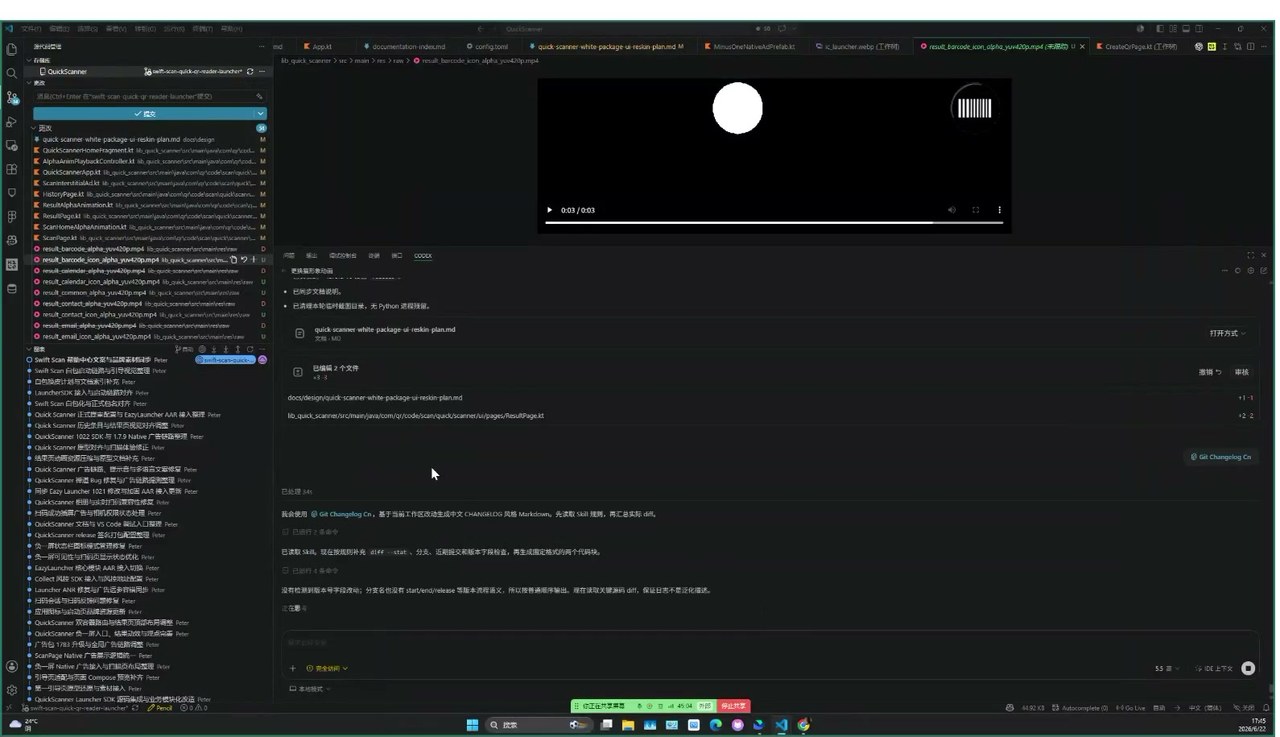
Version tags solve a related problem. A start tag and an end tag make a version boundary visible in Git. That helps when branching, syncing mainline changes, or maintaining white-label variants that are not on the same version as the main branch.
Review tasks are a good target for Skills
The second tool generates testing and review tasks. The old pattern is familiar: copy a previous task, edit fields, hope nothing important was missed. With a Skill, the task can follow a fixed template and pull common information such as SDK document links, version data, related requirements, and update summaries from commit history.
This is exactly the right size for an agent tool. The human should still confirm the task. The Skill should fetch the links, fill the repeated fields, and draft the update summary.
There is a clear limit. Large build artifacts may exceed Feishu’s attachment limit, so APK or AAB uploads still need a manual step. That does not break the workflow. Automating the form, links, and summary already removes the most boring part.
Figma MCP needs cleaner task boundaries
The third practice is about Figma MCP. When an agent is asked to reskin UI, recreate screens, or run acceptance checks, the hardest problems often sit outside the main frame: loose bubbles, labels, annotations, reference elements, and text notes.
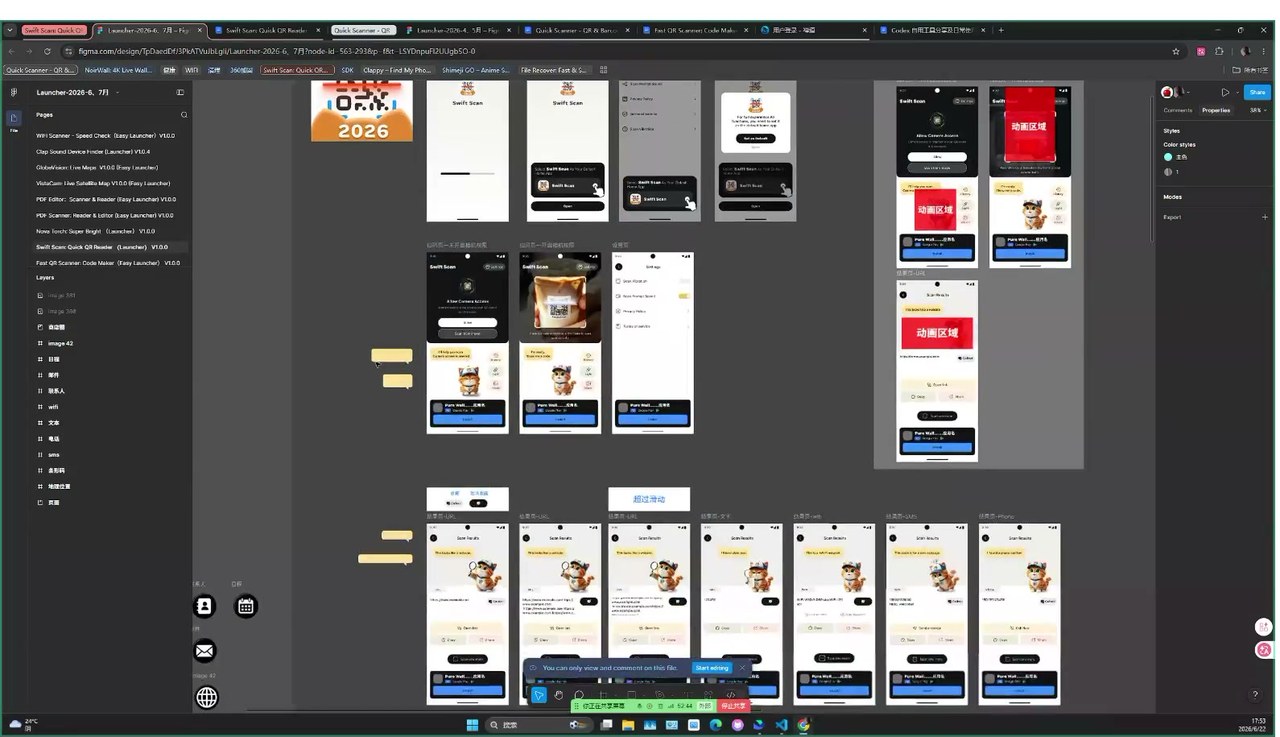
If a clean bubble asset is not available, the agent may recreate a bubble with text baked into the image, which breaks localization. During acceptance checks, loose annotations can make the agent spend tokens guessing which screen each note belongs to. The issue is not always model quality. Sometimes the input is messy and the instructions do not mark the boundaries.
The fix is to write those constraints into the plan before the run starts: which nodes may be scattered, which text must not be baked into assets, which annotations are references, and which frames define the delivery scope.
Comparable tools and where this fits
For commit conventions, tools such as Conventional Commits, Commitizen, semantic-release, and git-cliff are mature. They are strong at standardization and release automation. They usually do not understand a team’s specific modules or the business meaning of a local diff. A Codex Skill can fill that gap by reading the repository and the team’s own template.
For task management, Jira, Linear, GitHub Issues, and Feishu Tasks already support templates and automation. Their weak spot is extracting task content from local commit history, SDK documents, and project-specific notes. Agent Skills are useful as a bridge between the local workspace and the task system.
For Figma handoff, Figma Dev Mode and many design-export plugins already exist. They are good at inspection and asset delivery. MCP becomes valuable when the design file needs to enter a longer agent workflow. The risk is that messy files create messy reasoning unless the task plan is explicit.
The pattern across all three tools is simple: do not replace the engineering process. Remove the repeated steps that humans are bad at remembering and agents are good at drafting, then keep the human in the approval loop.
Comments
0 public responses
All visitors can read comments. Sign in to join the discussion.
Log in to comment