Vvicat Write: a Mac voice input tool that still works when the internet does not
When Wi‑Fi drops, the plane takes off, or a draft is too private for the cloud, Vvicat Write keeps voice input running locally on your Mac.
Vvicat Write: a Mac voice input tool that still works when the internet does not
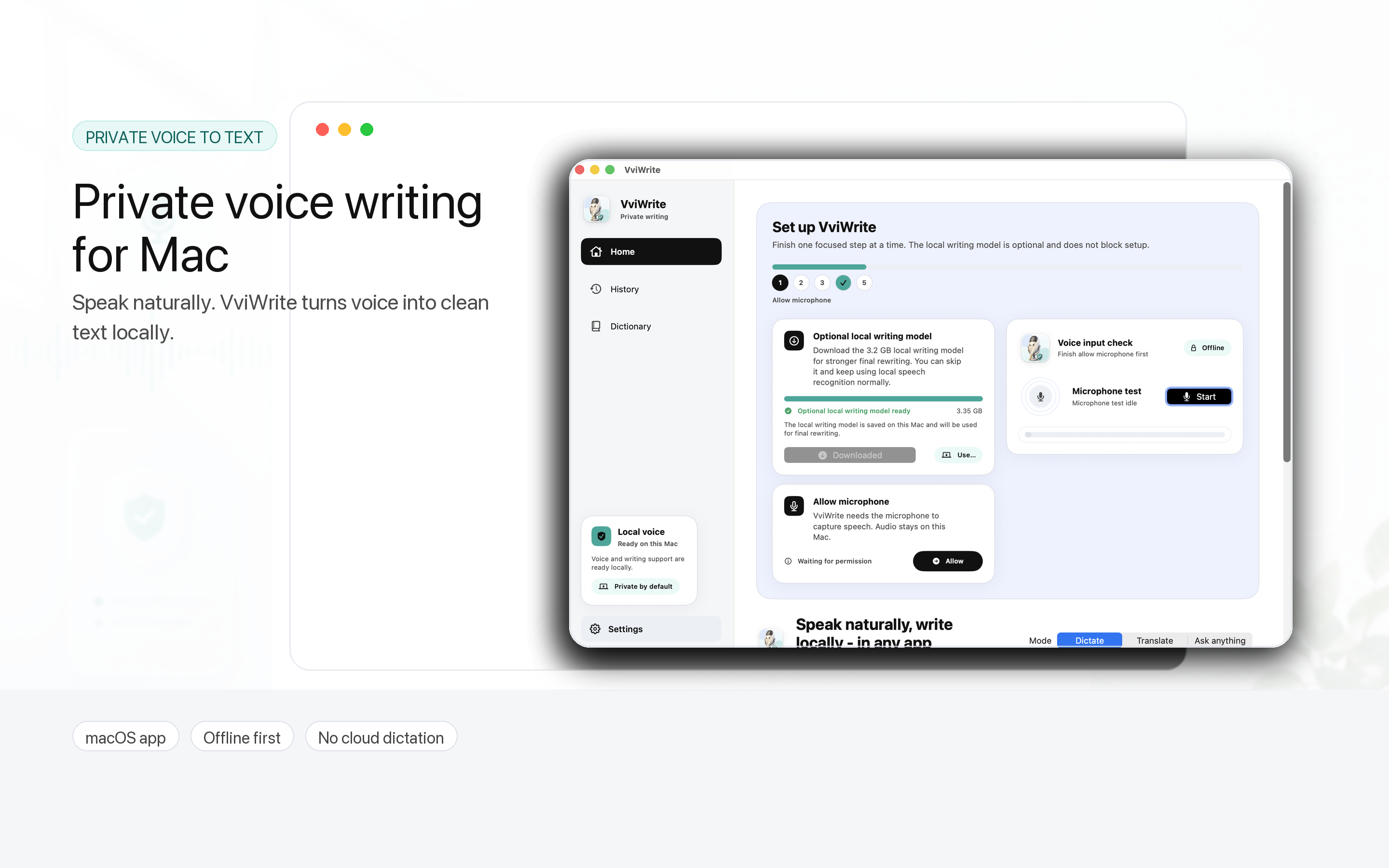
Most voice input tools feel fine when the connection is good. That is not the hard part.
The hard part is the train with a fading hotspot, the flight where you still want to draft a reply, the office network that suddenly refuses to load anything, or the sentence you do not want to send to a remote server before it becomes text.
Vvicat Write is built for that moment. It is a Mac voice input and voice writing app that runs its core workflow locally: dictation, rewriting, translation, quick questions, and writing memory are designed to stay close to your machine instead of turning every spoken sentence into a cloud API call.
The best part is not that it is a voice input app. It is that it behaves like a local writing layer.
A normal input method helps you type characters. Vvicat Write goes a step further. You speak naturally, it turns speech into text, cleans up the rough parts, and sends the finished result back into the Mac app you are already using.
The product line on the site says it well: Speak once. Write Anywhere. Voice input should not force you to move your work into a separate chatbot window. It should show up in Notes, Feishu, Mail, a browser, a code editor, or wherever the cursor already is.
- Offline dictation: local voice activity detection and ASR turn speech into usable text.
- Write Anywhere: finished text can be inserted into the active Mac app.
- Translate and polish: rough speech can become cleaner prose, an email, or an English message.
- Ask Anything: selected text can be summarized, questioned, or rewritten without breaking flow.
- Personal dictionary and memory: names, project terms, and writing preferences can become part of the local writing habit.
Compared with Doubao, Qianwen, WeChat-style input tools, and TypePlus, the real difference is the boundary
There are plenty of strong voice and AI writing products now. Doubao, Qianwen, WeChat-related input features, TypePlus, and similar tools can all help users speak, transcribe, rewrite, and draft. Cloud products have real strengths: larger server-side models, fast updates, and broad ecosystem hooks.
But that path usually comes with assumptions. You need a connection. Your request leaves the device. The experience depends on account status, service rules, network quality, server load, and sometimes API economics.
For casual messages, that may be fine. For private notes, client names, meeting drafts, travel, weak networks, and daily high-frequency dictation, it starts to matter.
Vvicat Write makes a different bet:
- It works offline. No signal, flight mode, or a broken office network does not automatically stop dictation.
- Audio does not have to leave the Mac. Sensitive drafts and raw voice can stay under local control.
- It can get more personal over time. Local dictionary and memory are better suited to names, product terms, accents, and repeated writing habits.
- Free forever is more believable. A local-first tool is not paying for a cloud inference call every time the user speaks.
This does not make cloud tools useless. Cloud models are great for heavy reasoning, web-connected answers, and very large-model writing. But voice input is intimate. A lot of the time you do not need the biggest model in the world. You need the shortcut to work, the text to come back, and the tool to keep listening even when the network is gone.
Chinese, English, and dialects are where voice input becomes real
Voice input demos often sound too clean. Real speech is messier. People mix Chinese and English. They use regional accents. They say a product name three different ways. They pause halfway through a sentence because the thought is still forming.
Vvicat Write puts Chinese, English, and local dialect support near the center of the product. That is the right battlefield. The real use case is not a perfect sentence like “the weather is nice today.” It is something closer to: “Turn this into a client-friendly version, make the tone softer, and translate it into English.”
If a local tool can keep learning your names, terms, accent, and phrasing, its value grows after installation. For voice input, the moat is not just the model. It is the fit that builds up after hundreds of small corrections.
Free makes more sense when the main computation is local
Free AI tools often come with a quiet question mark. If every sentence goes through cloud inference, someone is paying for servers, bandwidth, and model calls. Free can become limited, then metered, then subscription-only.
Vvicat Write’s free-forever promise is easier to believe because the main work runs on the user’s Mac. The developer still has to maintain the app, improve models, and fix bugs, but one more dictated paragraph is not the same as one more cloud bill.
That is the cleanest split between Vvicat Write and many AI input products: one feels like a remote service; the other feels like a capability installed on your computer.
Who should try it
- People who write a lot: emails, notes, product docs, reports, replies.
- Privacy-conscious users: anyone who does not want raw voice and rough drafts sent away by default.
- Travel-heavy Mac users: trains, flights, hotels, weak networks, tethered hotspots.
- Bilingual and dialect users: people whose speech does not match a clean demo script.
- Anyone tired of subscriptions and quotas: local-first and free is a calmer deal.
The nicest thing about Vvicat Write is that it does not make voice input feel like a big AI event. You press a shortcut, say the thought, and get text back. That is how it should be. A sentence should not depend on whether a server is awake.
Comments
0 public responses
All visitors can read comments. Sign in to join the discussion.
Log in to comment